Eating Schedule for Busy Days
Create an eating schedule for busy days with anchor meals, backup foods, flexible snacks, and simple logging.
Quick Answer
- Fix busy days pushing meals into random decisions by making timing serve the plan, not replace the plan.
- Meal timing can help hunger, energy, digestion, and adherence, but it does not override weekly calories and protein.
- A useful schedule is repeatable on real days, flexible around workouts, and simple enough to log.
- Use Calorie Calculator and Macro Calculator when targets need a practical starting point.
Who This Guide Is For
- Users who wonder when to eat for fat loss, training, or busy schedules.
- People managing late dinners, skipped breakfasts, shift work, snacks, or workout meals.
- Beginners who need practical timing rules without turning food timing into a rigid system.
How It Works
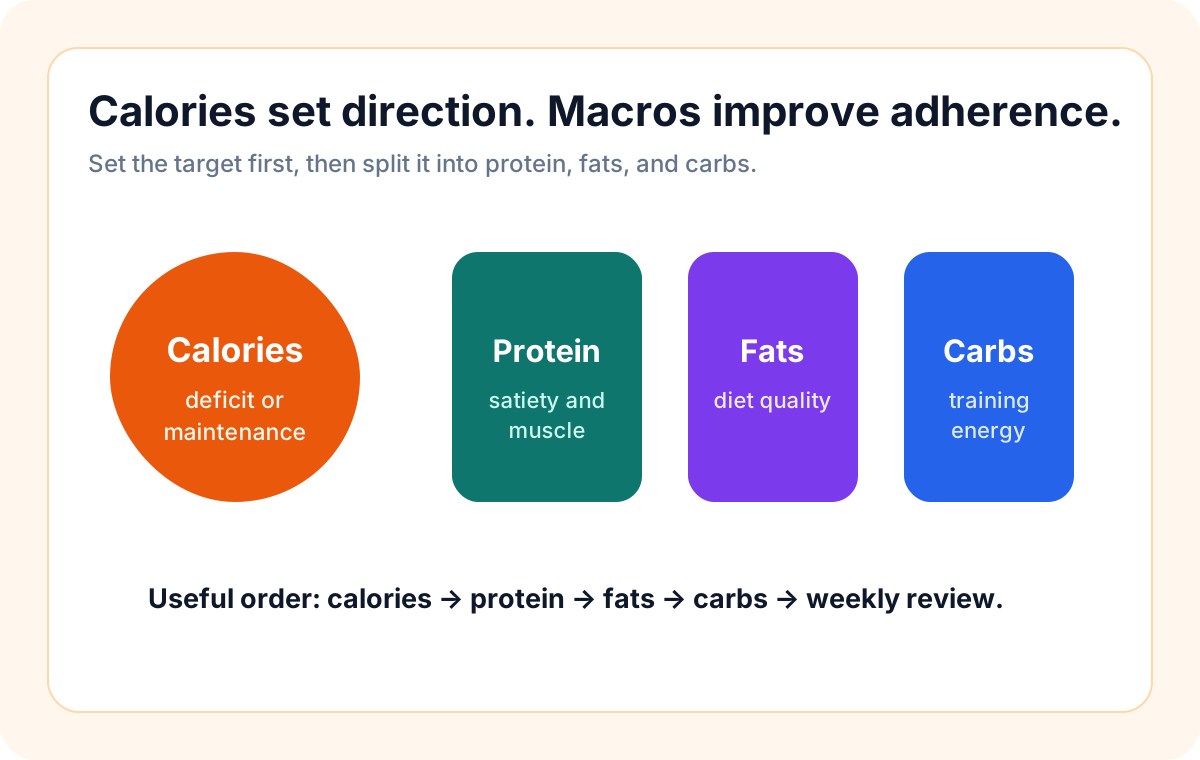
Meal timing works best as a support tool. Calories, protein, food quality, training, sleep, and consistency still drive most outcomes. Timing helps when it makes the next meal easier, improves workout energy, reduces late overeating, or keeps the day predictable enough to follow.
Timing Checklist
- Pick the two meals that must happen.
- Use a backup meal when cooking is unrealistic.
- Carry one snack that fits the goal.
- Log rough estimates instead of losing the whole day.
Step-by-Step Plan
- Choose the schedule problem that repeats most often.
- Set one or two anchor meals you can repeat.
- Add a workout meal or snack only when it improves energy or recovery.
- Keep backup options for days when timing changes.
- Review weekly hunger, energy, sleep, and calories before changing everything.
Example
A busy day can use a planned breakfast, packed lunch, protein snack, and flexible dinner rather than relying on willpower at night.
Common Mistakes
- Waiting for a perfect break in the day instead of planning a simple, imperfect eating structure.
- Treating timing as a substitute for total calories, protein, sleep, and consistency.
- Making the schedule so strict that normal work, family, or training changes break the plan.
- Skipping logs when timing changes instead of recording a useful estimate.
When To Be Careful
This guide is educational and does not replace medical, nutrition, or mental-health care. Diabetes, digestive conditions, pregnancy, medications, appetite loss, shift-work sleep disruption, and eating-disorder history need qualified guidance. Simplify meal timing if it increases anxiety, guilt, binge-restrict cycles, or rigid food rules.
How Up2You Helps
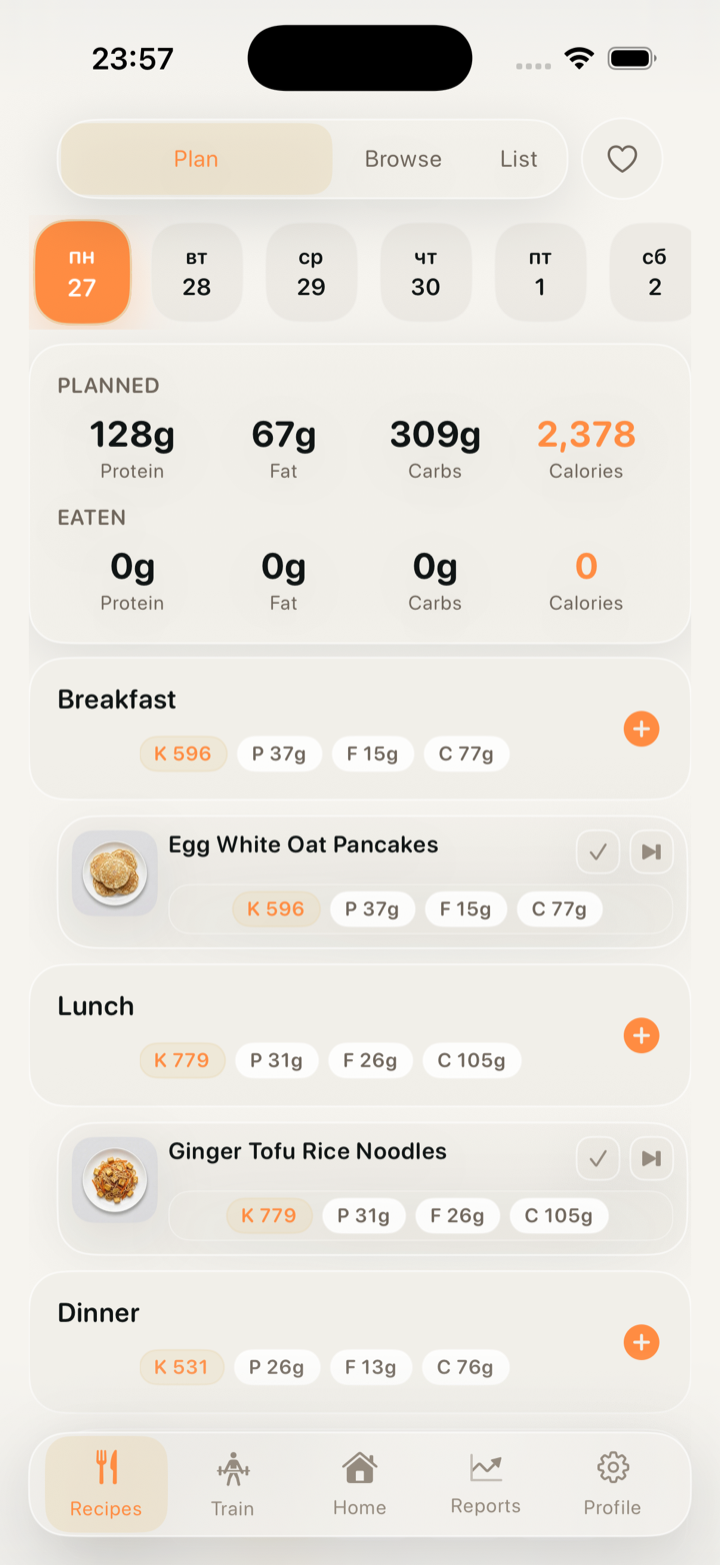
Up2You keeps meal plans, calorie targets, macros, workouts, water, logs, and progress trends together, so timing choices can be reviewed in context.
Inside Up2You
FAQ
Does meal timing matter for weight loss?
It can matter for adherence and hunger, but calorie balance, protein, and consistency matter more than a perfect eating clock.
Do I need to eat right after training?
Usually no. A normal meal or snack with protein within a practical window is enough for most beginners.
What if my schedule changes every day?
Use anchor meals, backup foods, and rough logging. A flexible structure is better than waiting for a perfect schedule.