How To Log Workouts Without Losing Useful Details
Log workouts with the details that matter for progress: exercises, sets, reps, load, effort, notes, and recovery.
Kurze Antwort
- Fix workout logging that misses useful context by turning the app into a simple weekly review system.
- Track the few details that change decisions instead of logging everything equally.
- Use the same workflow for at least one week before judging it.
- Use Calorie Calculator and Macro Calculator when targets need a reality check.
Für wen dieser Guide ist
- Users who want Up2You to support daily logging without extra complexity.
- Beginners connecting workouts, meals, progress, and weekly reviews.
- People who need a practical app routine after setting fitness goals.
Wie es funktioniert
A good app workflow turns daily actions into weekly decisions. Workouts, meals, weight trends, notes, and recovery signals are useful when they help you choose the next small adjustment. The goal is not perfect data. The goal is enough repeatable data to act calmly.
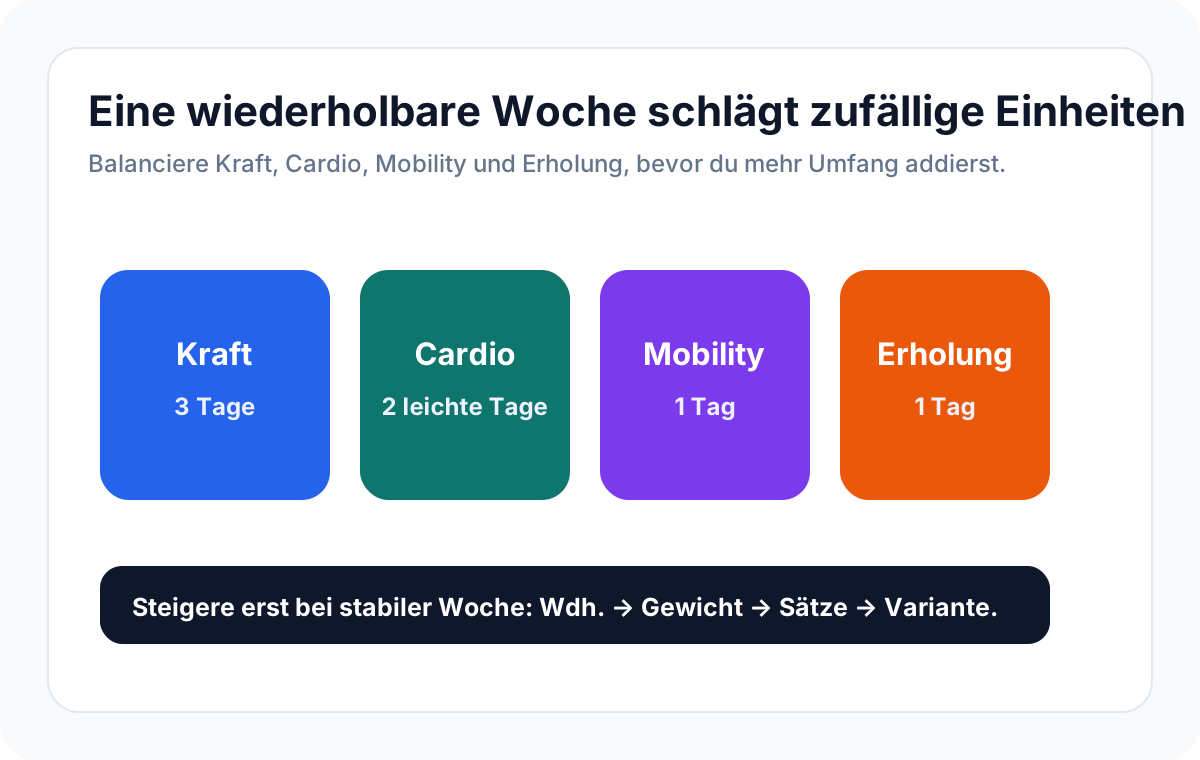
Workflow-Checkliste
- Log the exercise name, sets, reps, and load first.
- Add effort notes when a set feels unusually easy or hard.
- Record substitutions instead of leaving gaps.
- Review the same movements over several weeks before changing the plan.
Schritt-für-Schritt-Plan
- Choose the workflow this article focuses on.
- Log the minimum useful details for one week.
- Review the pattern on the same day each week.
- Pick one adjustment based on the pattern.
- Keep the workflow simple enough to repeat next week.
Beispiel
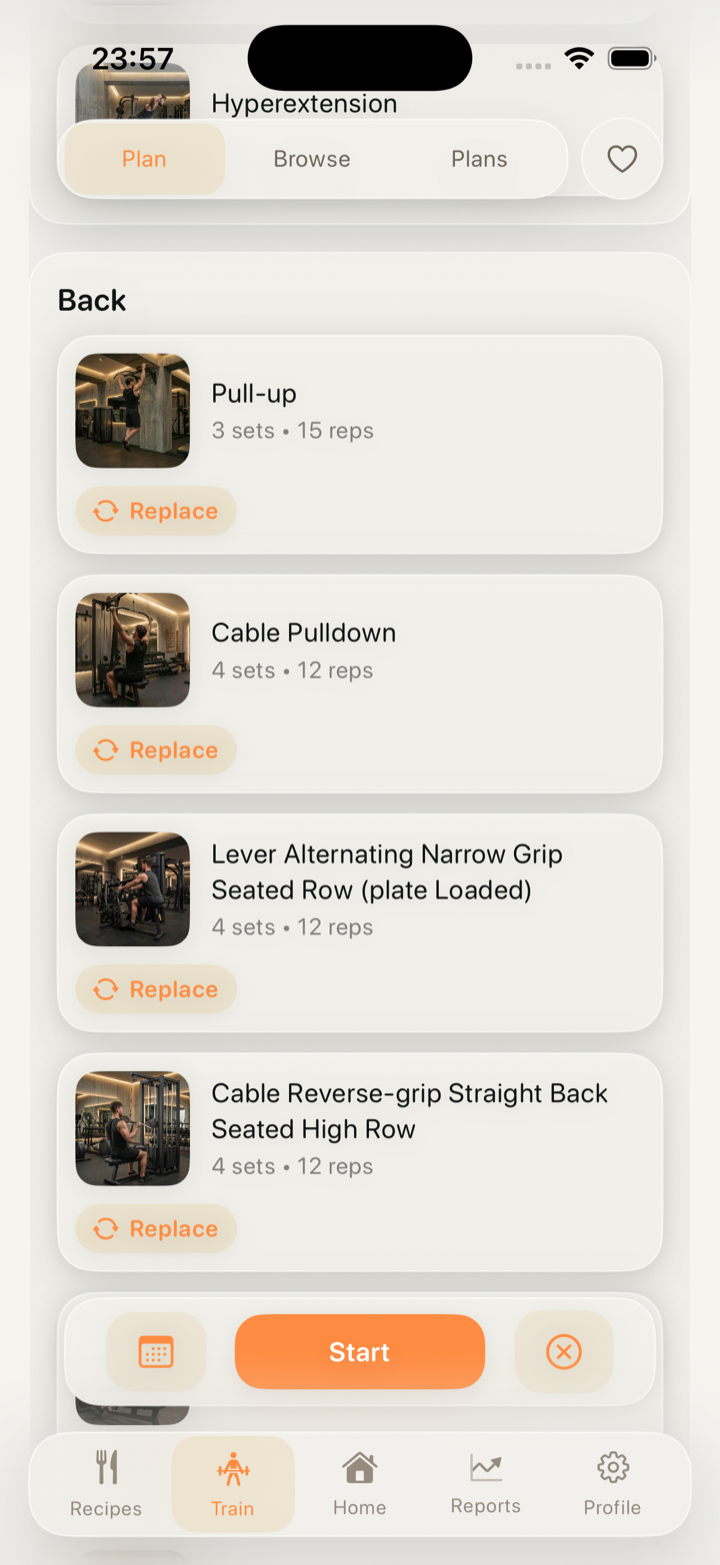
If you swap barbell rows for a cable row, log the substitution and effort so the next back session still has useful context.
Häufige Fehler
- Only marking the workout as complete and losing the data needed to adjust load, volume, and recovery.
- Logging more details than you ever review.
- Changing the plan before the weekly pattern is clear.
- Treating one missed entry as a reason to stop tracking.
Wann du vorsichtig sein solltest
This guide is educational and does not replace medical, nutrition, or coaching advice. Use simpler targets if tracking creates anxiety, obsessive rules, pain, dizziness, or binge-restrict cycles. Medical conditions, pregnancy, medications, and eating-disorder history need qualified guidance.
Wie Up2You hilft
Up2You keeps workouts, meals, targets, progress, and notes together, so the next adjustment can come from the week you actually lived.
In Up2You
Häufige Fragen
Do I need to log every detail?
No. Start with the details that change decisions: workout load, meal anchors, weight trend, and recovery notes.
How often should I review the app data?
A weekly review is enough for most beginners. Daily checks are useful only when they support the next action.
What if the week is messy?
Log what happened and keep the next action small. A messy week still gives useful data for planning.