Calorie Calculator for Fat Loss: Build a Safe Deficit
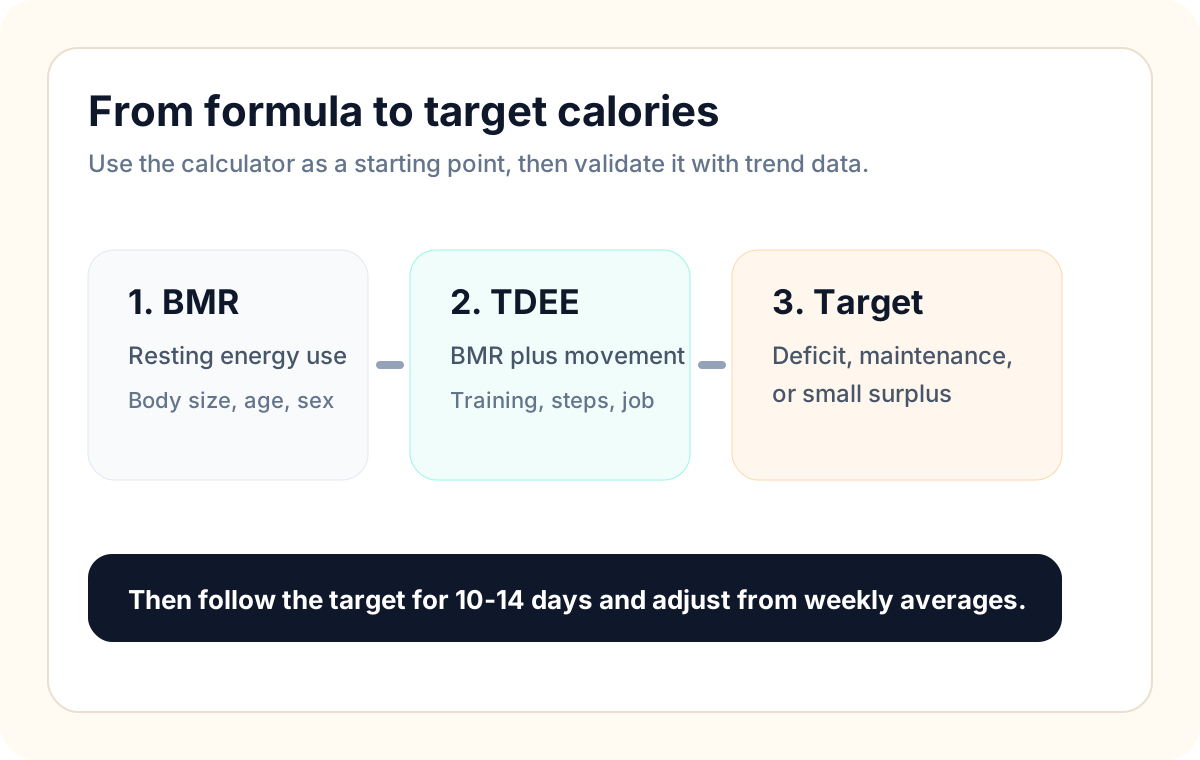
A calorie calculator gives you a starting target for fat loss, but the target only works if it creates a deficit you can follow consistently. Start with estimated maintenance calories, reduce intake by a modest amount, keep protein consistent, and adjust after 10-14 days of real trend data.
Quick Answer
- Estimate maintenance calories with the Calorie Calculator or BMR/TDEE Calculator.
- Create a moderate deficit instead of cutting aggressively.
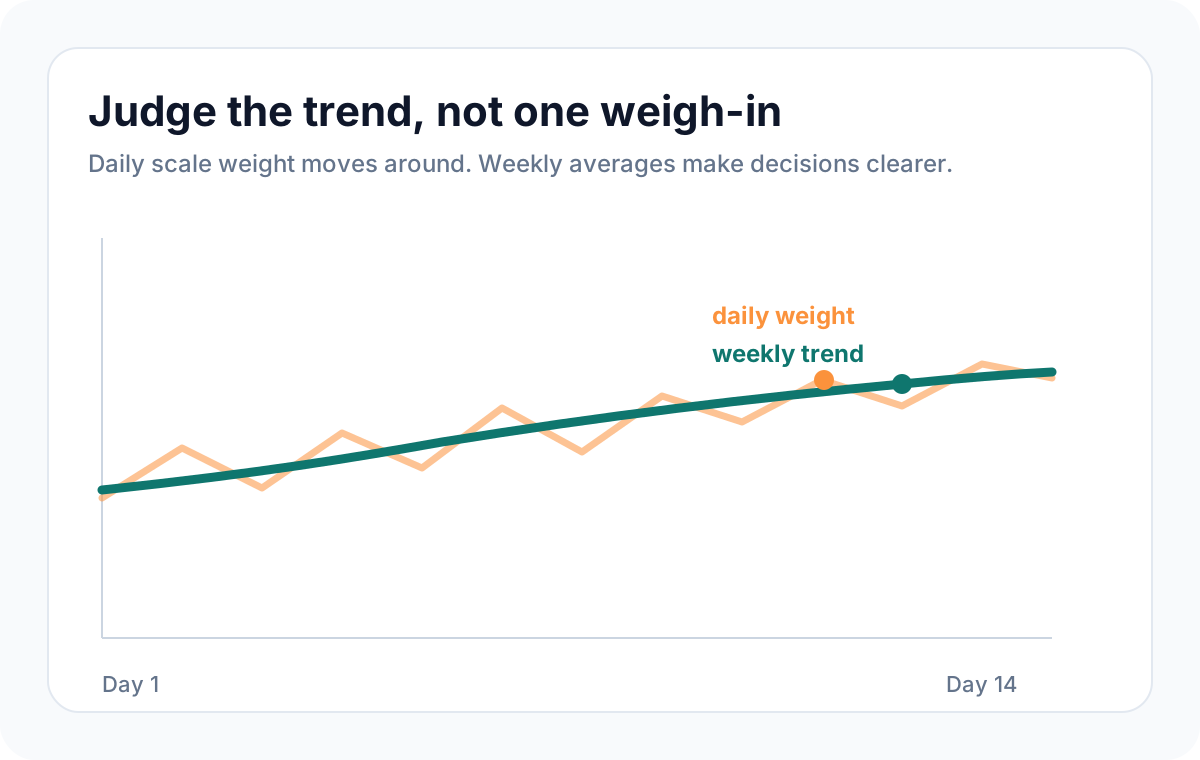
- Track body weight as a weekly trend, not as one daily weigh-in.
- Use the Macro Calculator to keep protein high enough while dieting.
Who This Guide Is For
- Beginners who want to lose fat without guessing.
- People who have tried dieting but keep changing calories too quickly.
- Users who want calorie targets they can connect to workouts and meal planning in Up2You.
How It Works
Fat loss requires an energy deficit over time. The calculator estimates how many calories you likely burn in a day, then you choose a target below that number. Because every formula is an estimate, the first target is not the final answer. Your food logging, training consistency, and weekly weight trend tell you whether the target is working.
Step-by-Step Plan
- Calculate your starting maintenance target.
- Choose a modest deficit that you can follow for two weeks.
- Keep protein consistent and avoid dropping fats too low.
- Train consistently so the deficit does not come only from eating less.
- Compare the average of 7 days against the next 7 days.
- If the trend is flat, adjust by 100-200 kcal or add a small amount of activity.
Example
If your estimated maintenance is 2,400 kcal, a practical first fat-loss target might be around 2,000-2,150 kcal. After two weeks, check the trend. If weight is dropping at a sustainable pace and workouts still feel manageable, keep going. If nothing changes, reduce slightly or improve tracking accuracy before making a large cut.
Common Mistakes
- Cutting calories so hard that hunger, sleep, and training quality collapse.
- Treating one high weigh-in as failure.
- Forgetting liquid calories, snacks, sauces, and weekends.
- Changing calories every day instead of following one target long enough to evaluate it.
- Ignoring protein and strength training, which can make the diet feel harder.
When To Be Careful
This guide is educational and should not replace medical advice. If you are pregnant, breastfeeding, under 18, managing a chronic condition, recovering from an eating disorder, or using medication that affects appetite or weight, speak with a qualified professional before changing calories.
How Up2You Helps
Use the calculator to set your starting target, then use Up2You to connect that target to meal planning, food logging, training, and weekly progress checks. The goal is not a perfect number; it is a plan you can repeat.
FAQ
How large should my calorie deficit be?
Start modestly. A smaller deficit that you can follow is usually more useful than an aggressive deficit that lasts four days.
Should I eat the same calories every day?
For beginners, one consistent daily target is easier to evaluate. Later, you can use higher and lower days if weekly calories stay aligned.
What if the calculator is wrong?
It is an estimate. Follow it for 10-14 days, then adjust based on your trend, hunger, training performance, and adherence.